See an example
Viewers find your clips on TikTok and YouTube Shorts, then need to know where you stream and when. A link in your bio answers both, and gives them a way to support you, copy your setup or join your Discord.



What to put on it
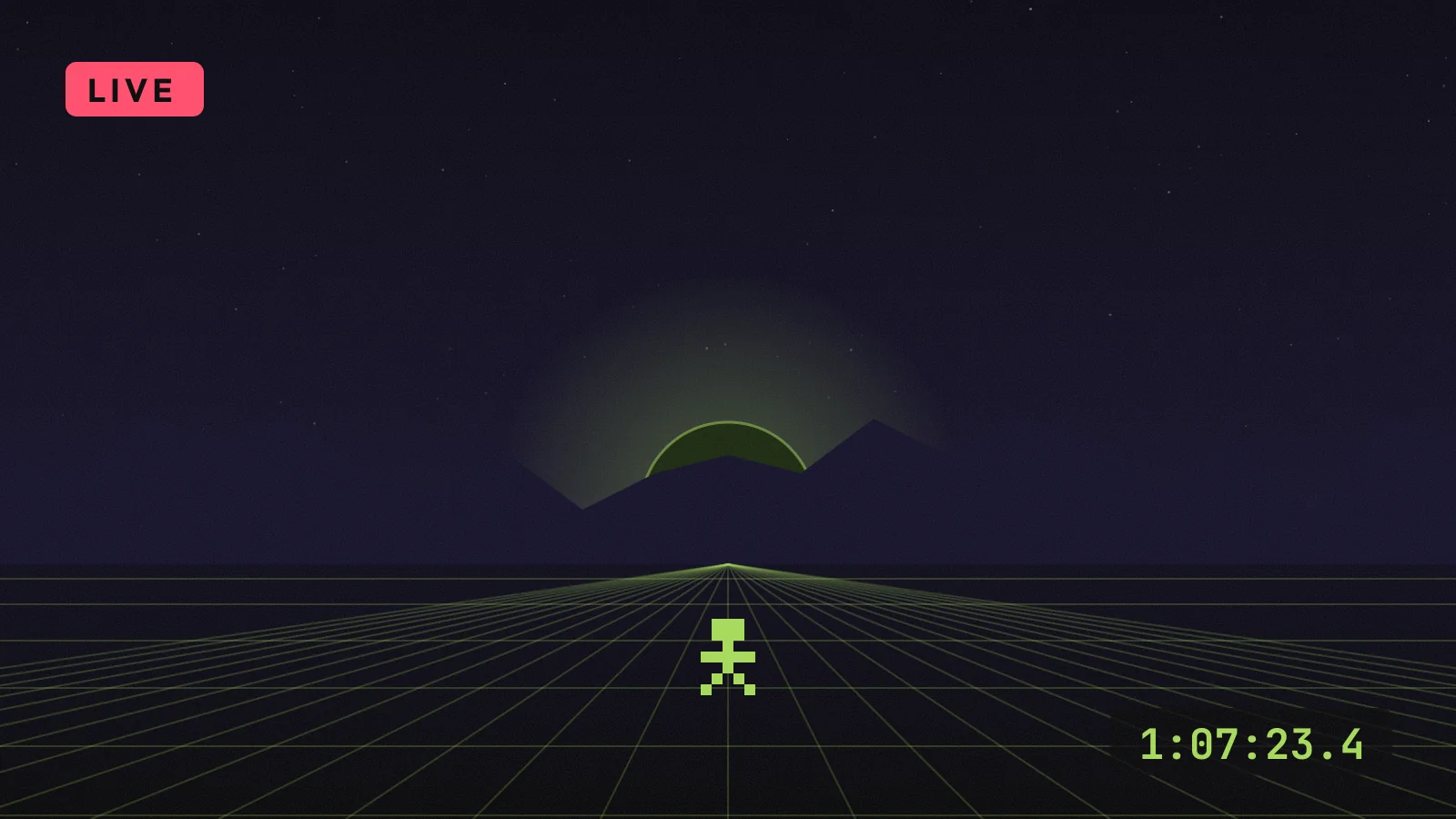
- LinkFreePuts a “live now” button at the top that you can change in seconds.
- Events & tourPremiumShows your stream schedule, so viewers know when to come back.
- CollectionPremiumLists your setup, games or gear as a grid of links.
- Tip jarPremiumLets viewers support you through the tipping page you already use.
- CountdownPremiumBuilds up to a launch, a subathon or a big race.
Set it up in three steps
- Claim your namePick an address like suprlink.co/yourname. It’s free, with no card.
- Add your channelsAdd Twitch, YouTube, Kick and Discord as icons, then your schedule underneath.
- Share it everywherePut it in your bios, your stream panels and your video descriptions.
What works
- Change your top button when you go live, and back again after.
- Use a countdown before launches and events so viewers can plan to be there.
- Add your setup as a collection. It answers the question viewers ask most.
Questions
Can I show Twitch, Kick and YouTube together?
Yes. Add each one as an icon and a button. Free pages include icons for the major platforms, and Premium adds every platform.
Does it work for game studios?
Yes. Studios use countdowns for launches, trailers, demo links and press kits on one page. See the Pixel Alley example below.
Is it really free?
Yes. The free plan has unlimited links, videos, a QR code and a week of insights, with no card and no trial clock. Premium adds every block on this page, with 7 days free.